




Servo Feeder Not Feeding in Auto Mode? 6 Causes
 Oct 15, 2026|
 View:4
Servo Feeder Not Feeding in Auto Mode? 6 Causes
During stamping production, a servo feeder may work normally in manual mode but stop feeding when switched to automatic mode. Pressing the manual feed button moves the metal strip forward, yet the feeder does not respond when the stamping press starts running.
This does not necessarily mean the servo motor or feeding rollers are damaged. In many cases, the problem is related to the feeding signal from the press, incorrect operating settings, pneumatic pressure, or the timing between the feeder and stamping die.
When troubleshooting a servo feeder, it is useful to start with the operating mode and press signal before checking the mechanical components. The following six checks can help identify why manual feeding works while automatic feeding does not.
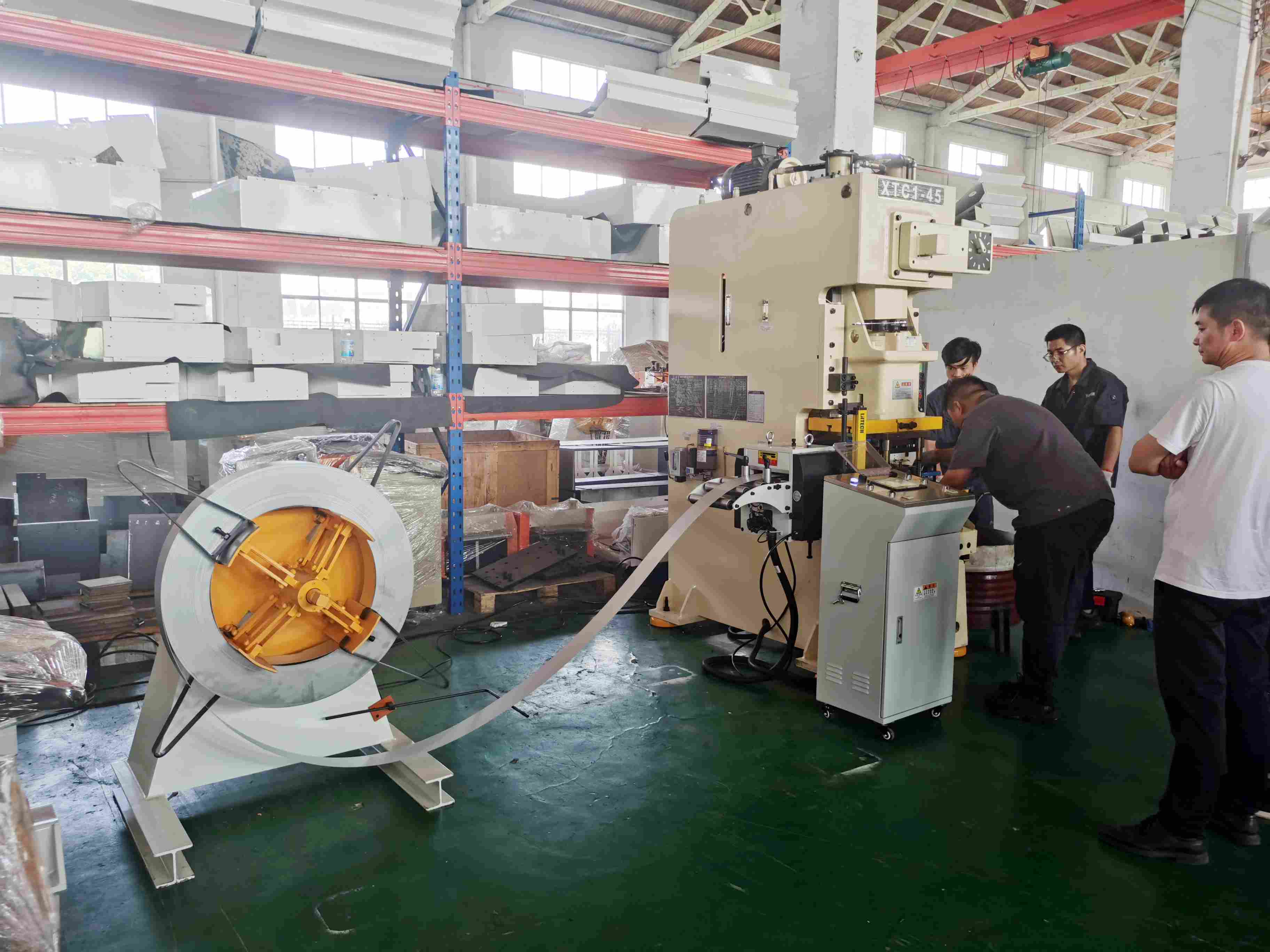
6 Causes Why Your Servo Feeder Is Not Feeding in Auto Mode
1. Check Whether the Servo Feeder Is in Automatic Mode
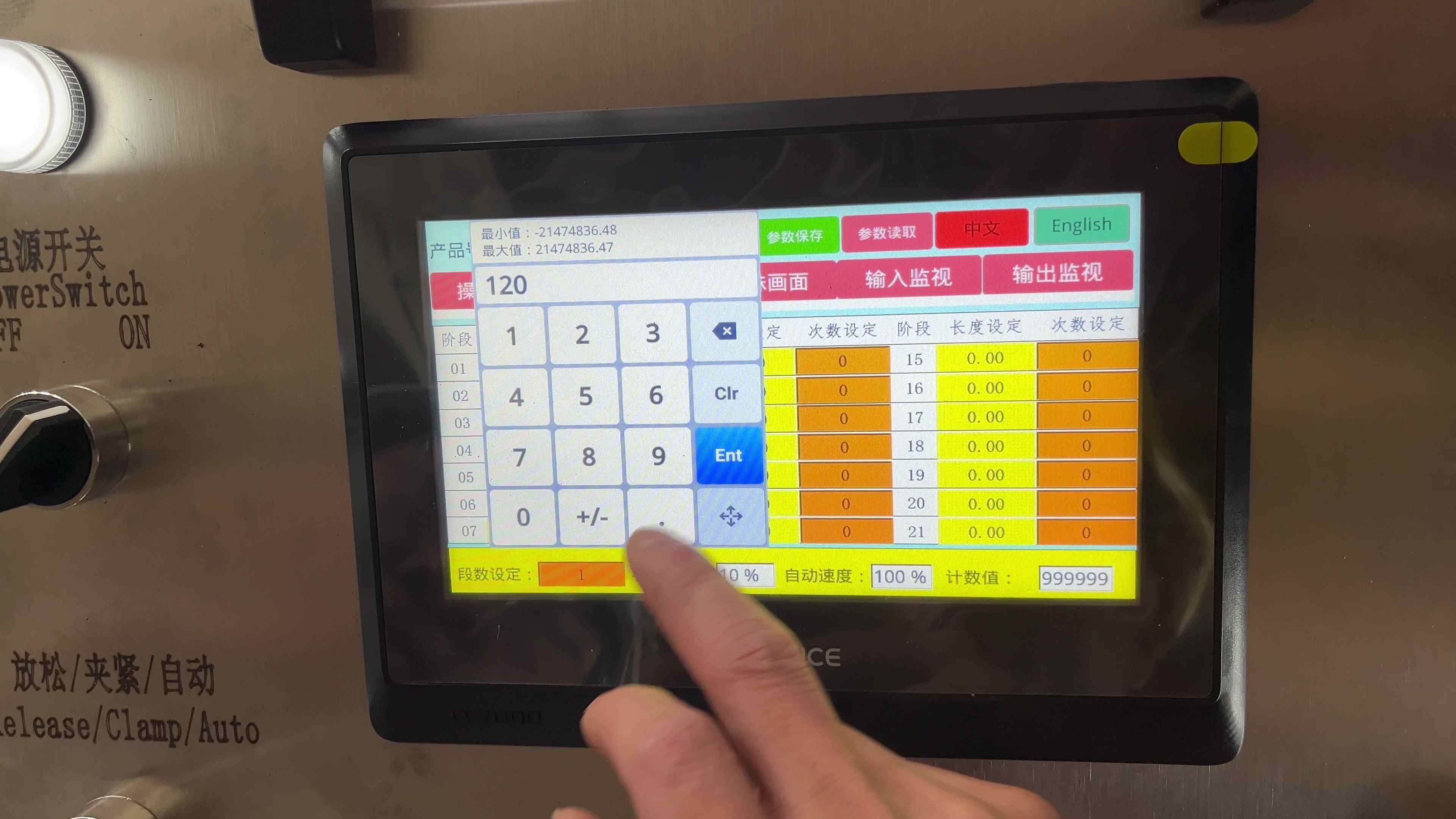
Start by checking the operating mode on the feeder's touchscreen or control panel. Most servo feeders have manual and automatic operating modes. Manual mode is used for material threading, die setup, feeding length adjustment, and machine testing. Operators can move the metal strip forward or backward using the control buttons.
Automatic feeding works differently. The feeder needs to receive a feeding command from the stamping press before moving the material. If the machine remains in manual mode, the feeding rollers may respond normally to manual commands but will not follow the press during automatic production.
Check whether automatic mode has been selected and whether the feeder is ready to run. Also look for any alarm messages on the touchscreen. Some machines will not start automatic feeding until the alarm has been cleared and the required operating conditions are satisfied.
2. Check the Feeding Signal from the Stamping Press
If the operating mode is correct, the next step is to check whether the stamping press is sending a feeding signal. During automatic stamping, the servo feeder receives a command at a designated point in the press cycle. The servo motor then drives the feeding rollers to advance the metal strip by the preset feeding length. Without this signal, the feeder will remain stationary even if manual feeding works normally.
Depending on the press configuration, the feeding signal may come from a cam switch, proximity sensor, rotary encoder, or the press control system. For older mechanical stamping presses, a cam and proximity sensor are often installed to provide the feeding command. As the press rotates, the sensor detects the cam position and sends a signal to the feeder controller.
When checking this arrangement, look at the sensor indicator while the press is operated under the prescribed test procedure. If the indicator does not change at the expected position, the sensor alignment or signal source may need attention. A loose connector, damaged signal cable, incorrect wiring connection, or displaced sensor can also interrupt the feeding command. Electrical inspections should be carried out by qualified personnel using the wiring diagrams supplied with the equipment.
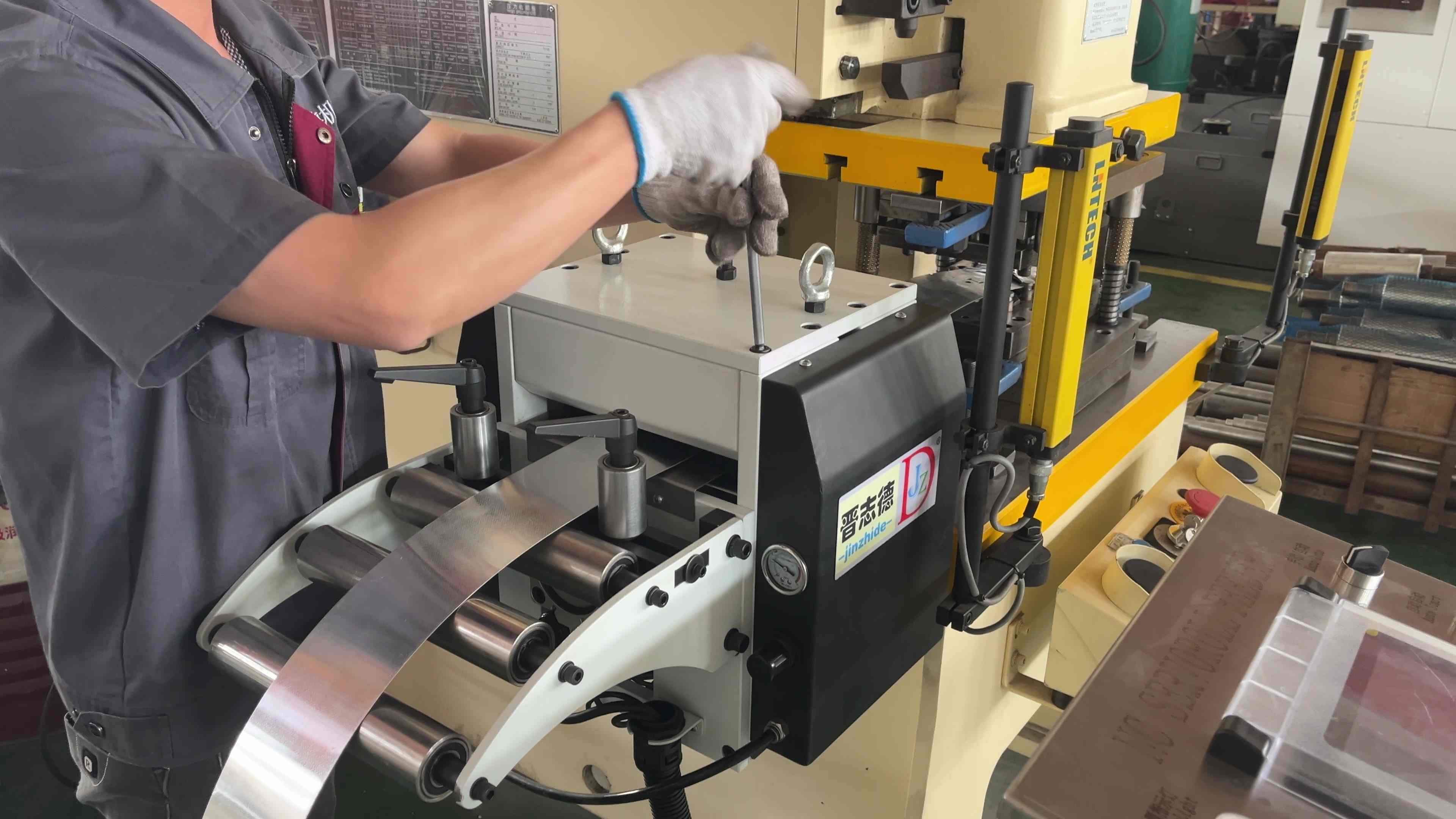
3. Check the Feeding Angle and Release Angle
Incorrect feeding and release timing can also prevent a servo feeder from operating properly in automatic mode. The feeding angle determines when the feeder starts advancing the material during the press cycle. The release angle controls when the feeding rollers temporarily release the strip so that the die's pilot pins can position the material accurately. These two settings must match the stamping press and die operation.
For example, if the feeding signal occurs outside the controller's permitted feeding window, the feeder may not start the automatic feeding cycle. The release timing also needs attention. During setup, the feeding rollers should release the strip at the appropriate point when the die's pilot pins enter the locating holes. If the rollers release too early or too late, material positioning problems may occur.
The correct timing depends on the press structure, die design, feeding length, and production speed. There is no single angle setting suitable for every stamping line. During equipment commissioning, JINZHIDE technicians adjust the feeding and release timing according to the actual press and die configuration. The feeding sequence is then checked through controlled trial operation before continuous stamping begins. Operators should avoid changing these settings without confirming the corresponding press position and die requirements.
4. Check the Feeding Length, Production Count, and Program Settings
Sometimes the feeder receives the correct signal, but the automatic feeding cycle still does not start because of the settings on the touchscreen. A servo feeder allows operators to set feeding length, feeding speed, production quantity, and other operating parameters according to the stamping job.
When changing from one product to another, the feeding length must be adjusted to match the new die. The selected program should also correspond to the current production requirements. If the feeding length is set to an invalid value, the production count has already reached its target, or a multi-stage feeding program is configured incorrectly, the controller may prevent further automatic feeding.
Check the current feeding program and confirm that the required parameters have been entered correctly. For machines equipped with multi-stage feeding functions, each active feeding segment should be checked separately. An incorrect segment setting may interrupt the feeding sequence even when other parameters appear normal. After correcting the settings, test the feeder under controlled conditions and confirm that the feeding sequence matches the stamping press before returning to normal production.
5. Check the Air Pressure and Feeding Roller Release System
Many servo feeders use pneumatic components to control roller clamping and release. During feeding, the rollers hold the metal strip and move it forward. When the die's pilot pins need to position the material, the release mechanism temporarily reduces the clamping force. If the compressed air supply is insufficient, or the release mechanism does not return to its required position, the feeder may be unable to complete the automatic operating sequence.
Start by checking the air pressure gauge and the condition of the pneumatic connections. The solenoid valves and roller release mechanism should also be inspected according to the equipment manual. Some servo feeder configurations require an air pressure of at least 0.3 MPa. However, the actual operating pressure should follow the specifications of the installed machine.
It is also worth checking whether the feeding rollers are holding the material correctly. If the release mechanism remains open, the rollers may rotate without advancing the strip as expected. For machines with pneumatic position detection, the corresponding sensor status can help determine whether the clamping and release sequence is working correctly.
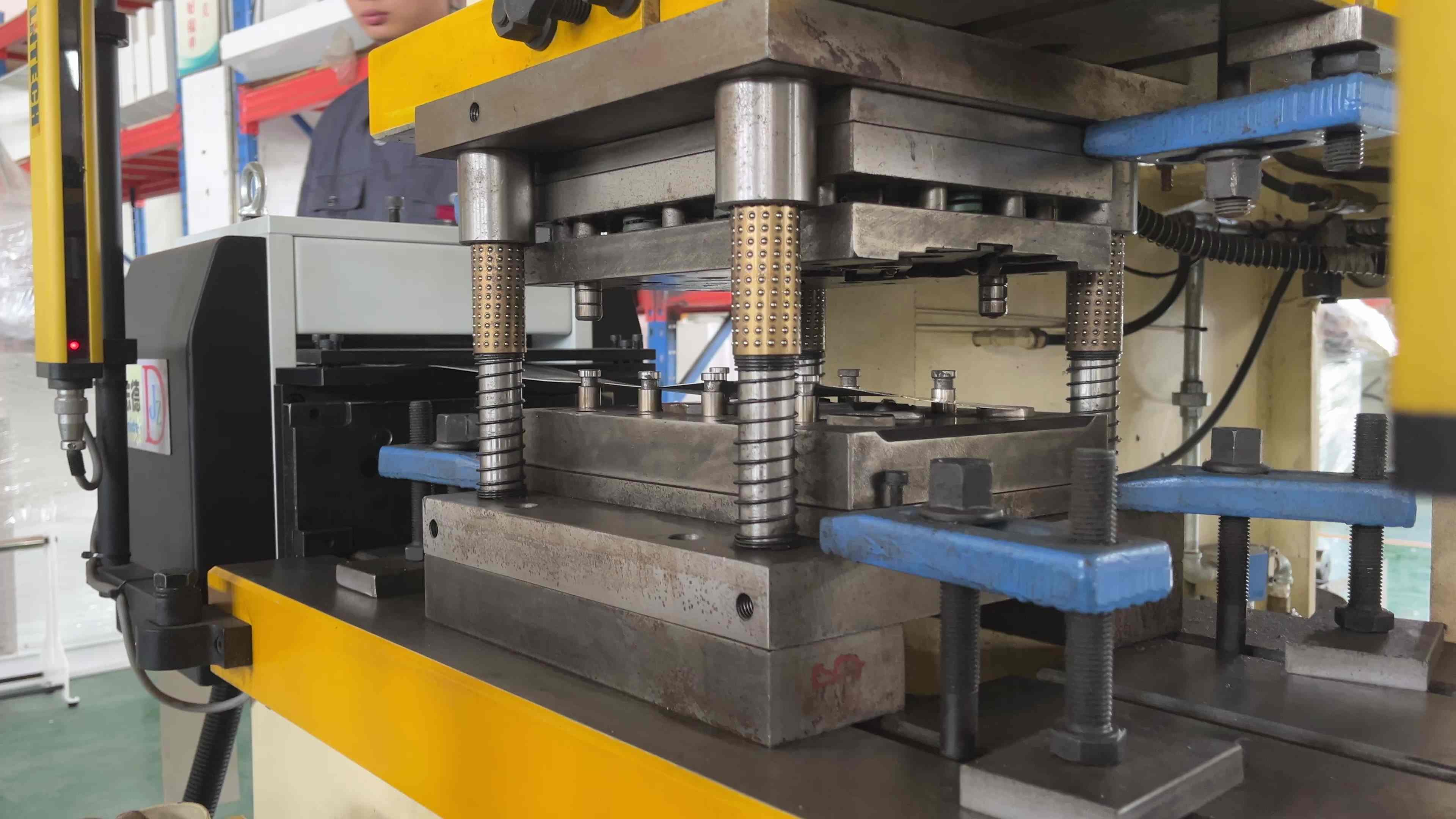
6. Check the Material Path and Safety Interlocks
If the feeding signal, operating parameters, and pneumatic system appear normal, inspect the material path and safety conditions. In a typical coil stamping line, the metal strip passes through a decoiler, straightener, and servo feeder before entering the stamping press. Some production lines use a decoiler straightener feeder, which combines these three functions in one machine. The material must travel through the feeding system without obstruction.
If the strip becomes stuck at the inlet guide, feeding rollers, or die entrance, the machine may generate an alarm and stop automatic operation. Material misalignment, excessive roller pressure, or an incorrectly positioned guide can also affect feeding. Check the alarm information displayed on the control panel before inspecting the corresponding mechanical components.
Emergency stop circuits, protective guards, and other safety interlocks must also be in their required operating states. Before removing jammed material or inspecting moving components, stop the machine and isolate its energy sources according to the applicable safety procedures. Safety devices should not be bypassed to restore automatic operation.
How Does a Servo Feeder Work with a Stamping Press?
Understanding how the feeder and stamping press work together can make troubleshooting more straightforward. A typical automatic stamping line consists of a decoiler, straightener, servo feeder, stamping press, and progressive die.
The decoiler supports the metal coil and releases the strip into the production line. The straightener uses multiple rollers to reduce coil curvature before the material reaches the feeder. The servo feeder then advances the strip according to the feeding length entered on the touchscreen.
During automatic production, the feeder and press operate in a coordinated sequence. After the press reaches the designated position in its cycle, the feeder receives the feeding command and advances the material during the permitted feeding window. Once the material is positioned, the stamping operation continues. This sequence repeats as the progressive die produces metal components.
Depending on the machine model and configuration, servo feeders can handle carbon steel, stainless steel, aluminum, copper, and other metal strips. JINZHIDE servo feeders are available for material thicknesses from 0.1 mm to 3.2 mm in applicable configurations. Feeding length and speed can be adjusted according to the product, die, and machine requirements. For wider or thicker coil materials, a suitable decoiler straightener feeder can be selected based on material thickness, strip width, coil weight, and stamping press specifications.
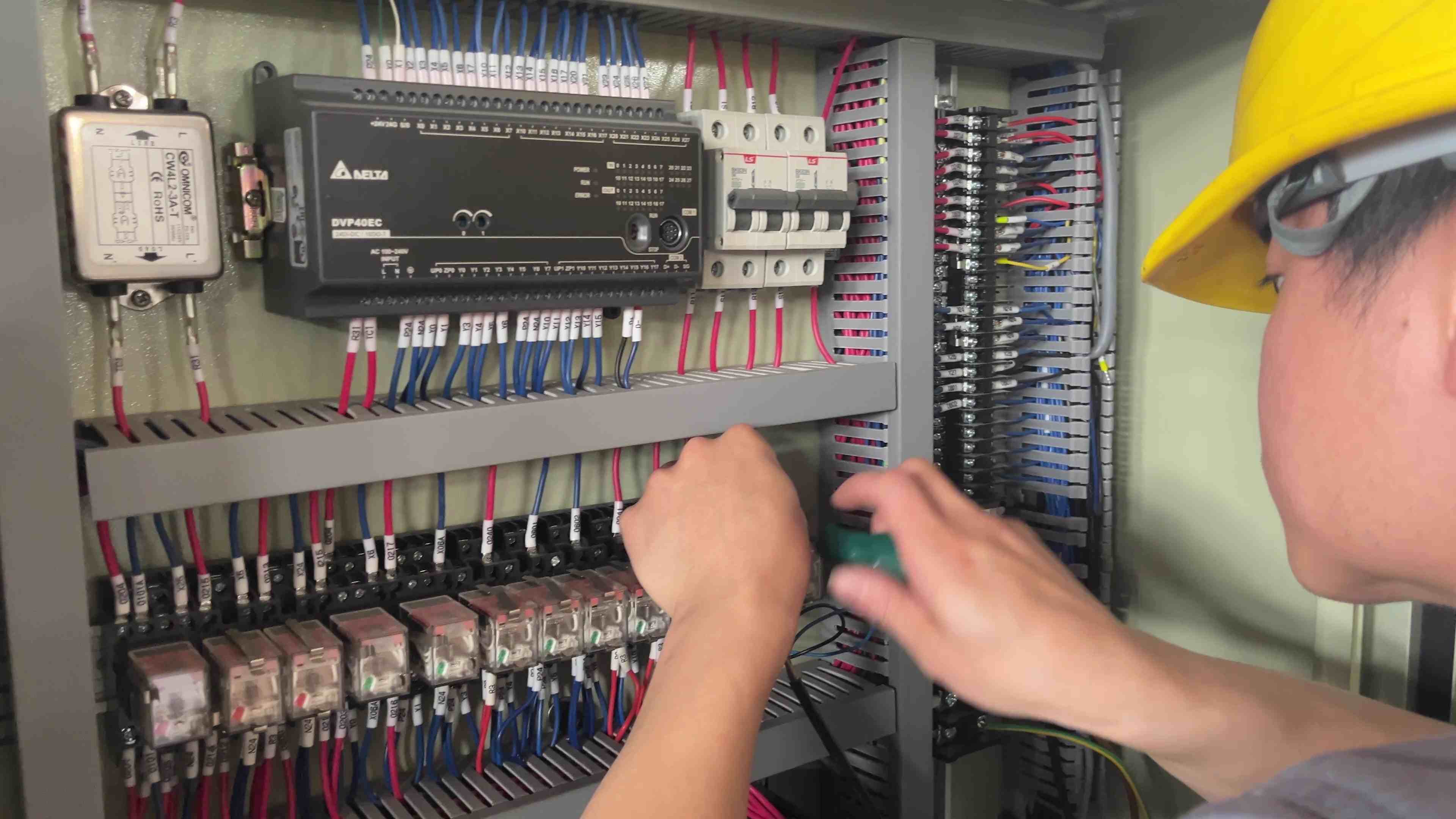
What Should Buyers Check Before Purchasing a Servo Feeder?
When purchasing a servo feeder for an existing stamping press, compatibility between the two machines should be confirmed before installation. The feeder must match both the material specifications and the operating requirements of the stamping line.
Buyers should provide the material type, strip width, thickness, feeding length, required press speed, and die information. Coil weight and inner and outer diameters are also needed when selecting a complete coil feeding line.
The press control system is another point to check. For example, an older mechanical press may need an additional cam and sensor arrangement to provide the feeding command. A newer press may already have a suitable signal interface for connecting a servo feeder. These differences affect the electrical wiring, feeding timing, and commissioning work.
JINZHIDE manufactures servo feeders, decoiler straighteners, and decoiler straightener feeders for different metal stamping applications. Our manufacturing facility in Changzhou, China, covers approximately 5,300 square meters. Equipment assembly, electrical testing, and feeding operation checks are carried out before delivery according to the machine configuration and customer requirements. For overseas customers, JINZHIDE provides installation guidance, operating instructions, and remote technical assistance to support equipment setup and troubleshooting. Confirming the press signal interface and material specifications during equipment selection can help reduce compatibility problems during installation.
What If the Servo Feeder Still Does Not Feed Automatically?
When a servo feeder works in manual mode but not in automatic mode, begin with the operating mode and feeding signal from the stamping press. If both are correct, continue checking the feeding angle, release angle, program settings, pneumatic pressure, and safety interlocks.
If the problem remains, qualified technicians can inspect the controller's input and output status and review the alarm history to identify where the automatic sequence is being interrupted. There is usually no need to replace the servo motor before checking these conditions. Successful manual feeding indicates that part of the drive and control system is functioning, although it does not rule out every electrical or mechanical fault.
For further technical assistance, customers can record the servo feeder model, stamping press model, alarm information, and a short video showing the operating condition. The JINZHIDE technical team can review this information and provide troubleshooting guidance based on the installed equipment.